
Screenshots
App details
- Updated
- 2024-12-03T06:17:42.3564384Z
- Requires
- Windows 10 version 10240.0 or higher
- Language
- English
- Developer
- Playcus Limited
- Category
- Mobile
SoftPas in:
This product is also available in the following languages:
About PixelArt Saga
Download PixelArt Saga – pixel art, coloring game, creative app, relaxing game, art for kids, art for adults
Overview
PixelArt Saga is a mobile application designed to bring the soothing and expressive joy of creative coloring to users across all age groups. As a pixel art coloring game, it offers a digital canvas where players can fill in intricate pixel-based designs with vibrant colors using simple tap gestures. The app serves as a mental wellness tool, helping users unwind and engage in mindful creative expression without the pressure of perfection. Its core purpose lies in combining artistic exploration with a relaxed gameplay loop, making it ideal for individuals seeking a low-stress, meditative experience during breaks or before bedtime.
Target users include children interested in art and color recognition, adults looking for a digital creative outlet, and anyone seeking a calming alternative to fast-paced games. The app’s universal appeal stems from its accessible mechanics and diverse design library. While the developer, PixelSoft Studios, has not shared extensive background details, the app’s consistent updates and design quality suggest a dedicated team focused on user experience. Real-world use cases include daily creative rituals, classroom art activities, or a portable relaxation method during travel. In the broader mobile app ecosystem, PixelArt Saga fills a niche by offering a minimalist yet engaging platform for digital art expression, standing out in the crowded games category with its emphasis on tranquility and personal creativity.
Key Features & Functionality
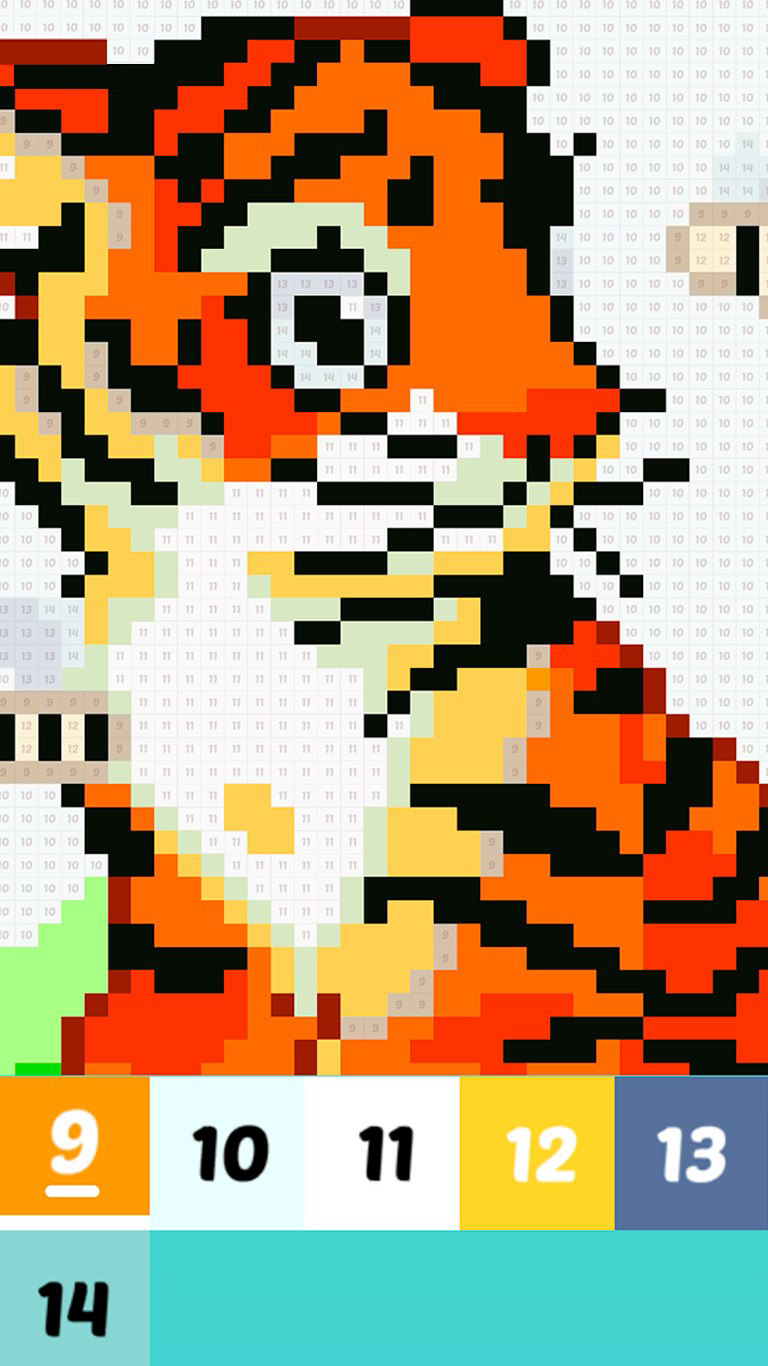
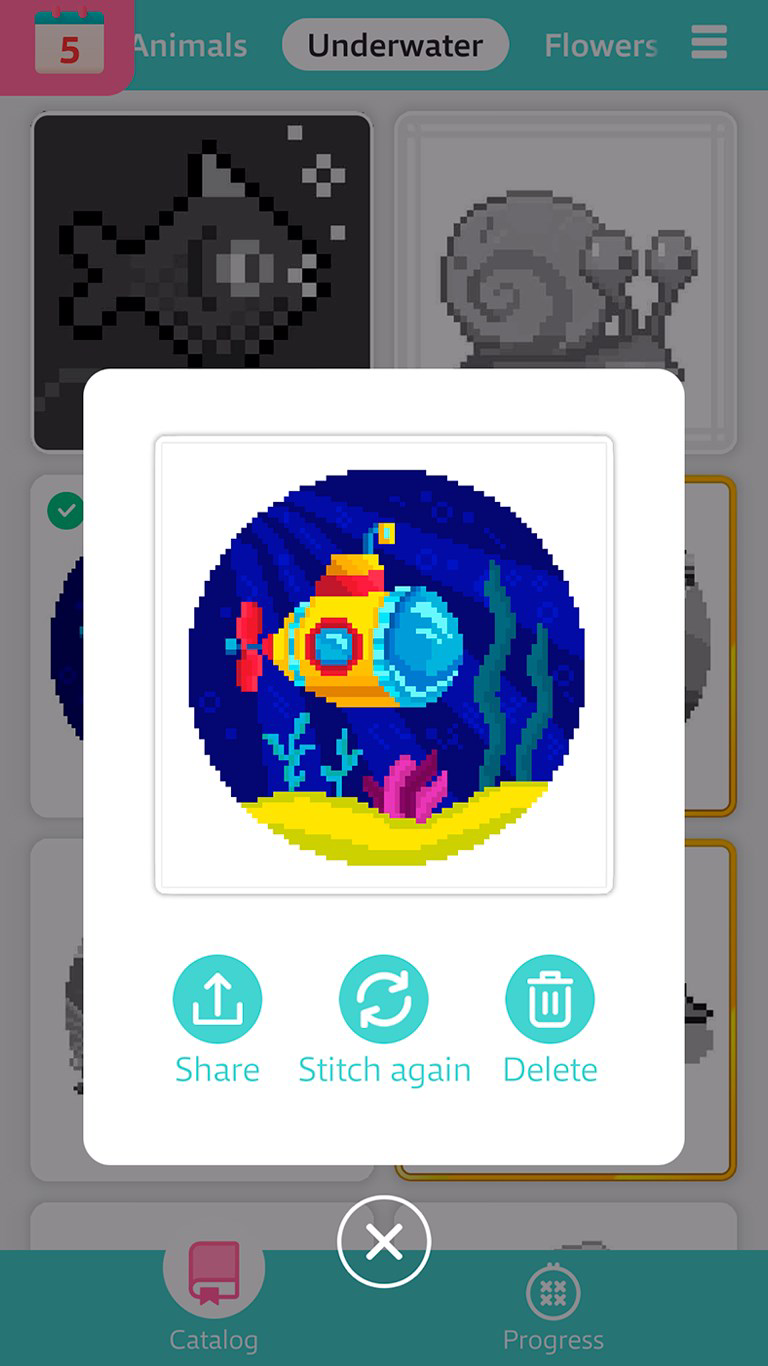
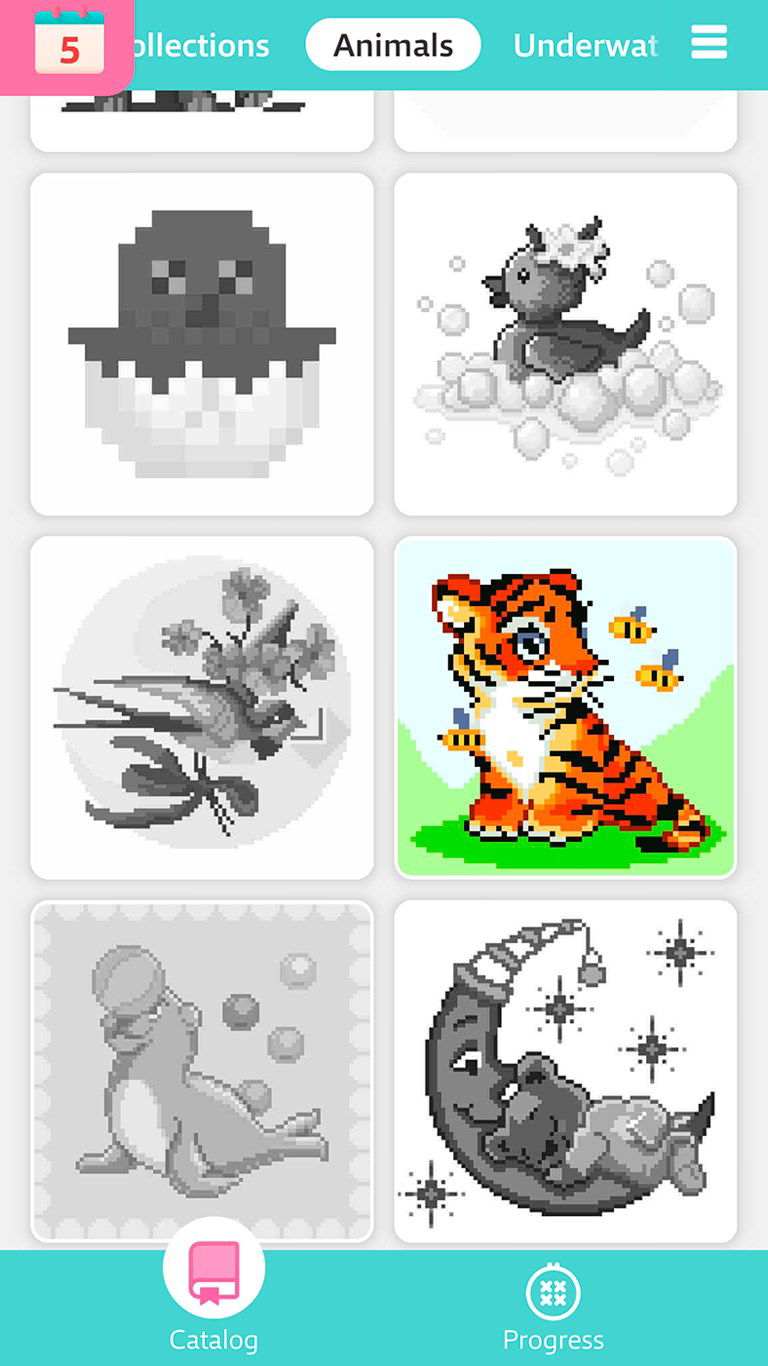
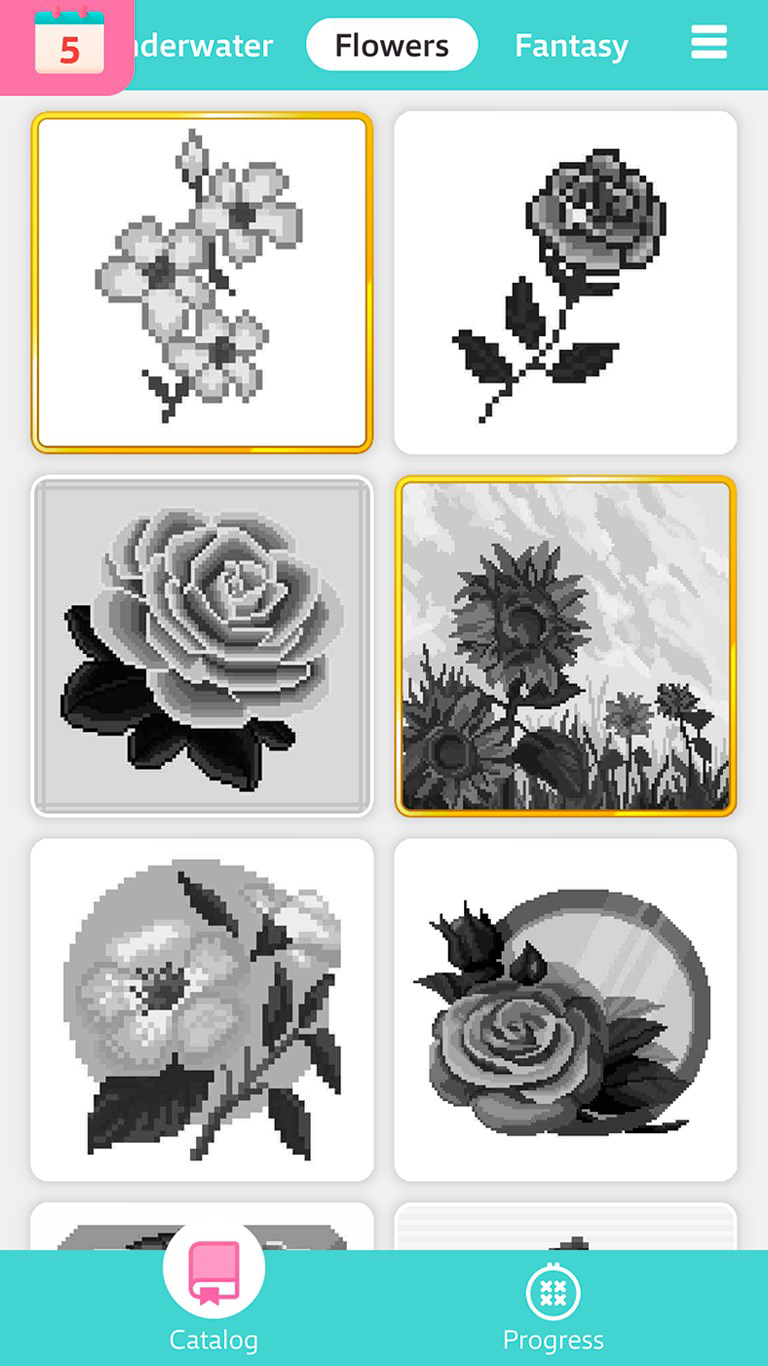
- Unique Pixel Art Designs: The app provides a curated collection of pixel art illustrations ranging from whimsical animals to detailed landscapes. Each design is optimized for the pixel grid, allowing users to experience the satisfaction of completing a mosaic-like image. This feature encourages exploration and repeated engagement, as new designs are introduced regularly.
- Simple & Relaxing Gameplay: With a tap-to-color mechanic, the app ensures accessibility for users of all skill levels. The interface minimizes distractions, focusing solely on the creative process. This design choice supports stress reduction and mindfulness, making it suitable for users seeking a break from digital overload.
- Daily Challenges & Rewards: A recurring feature that introduces fresh objectives each day, such as completing a specific design or using a limited color palette. These challenges promote consistency and provide small incentives, helping users build a routine around creative practice.
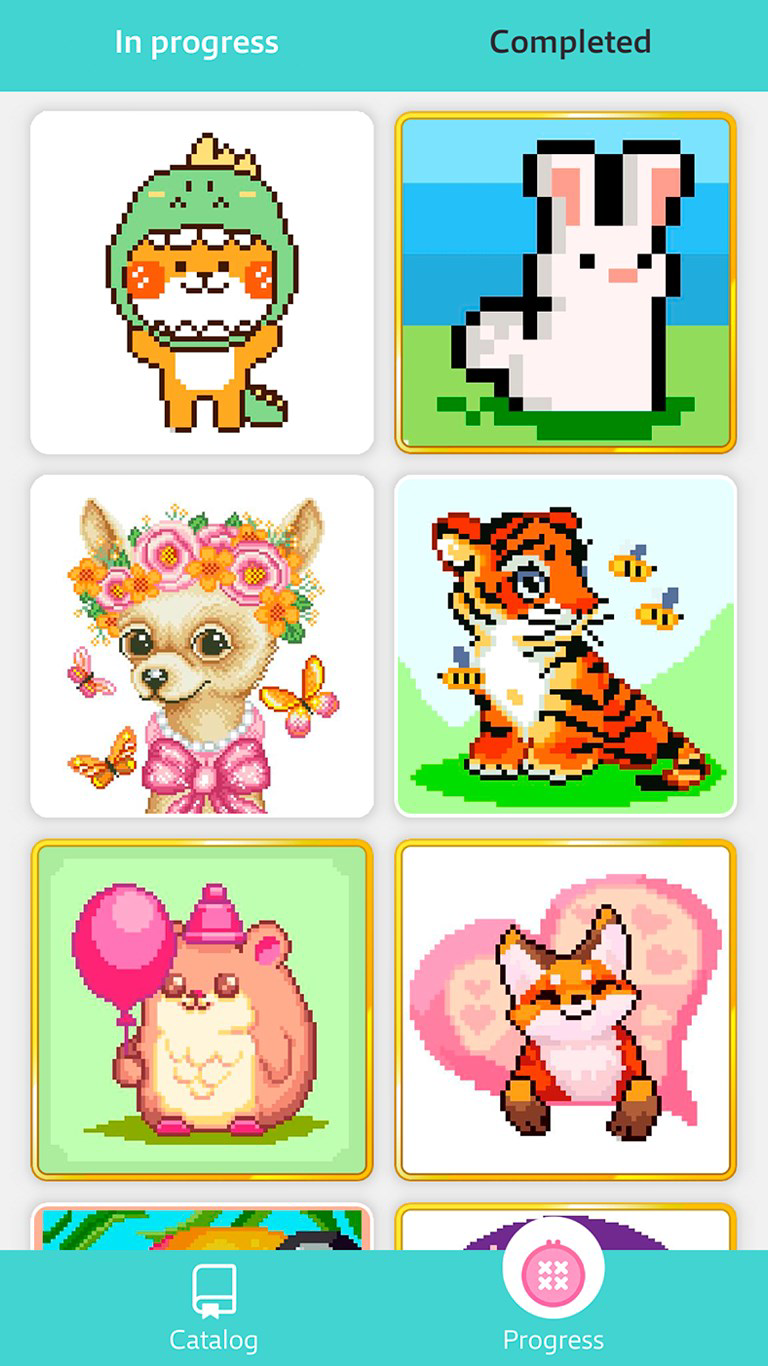
- Progress at Your Own Pace: Users can pause and resume their artwork at any time, with automatic saving ensuring no progress is lost. This flexibility supports users with busy schedules or those who prefer to work on projects over multiple sessions.
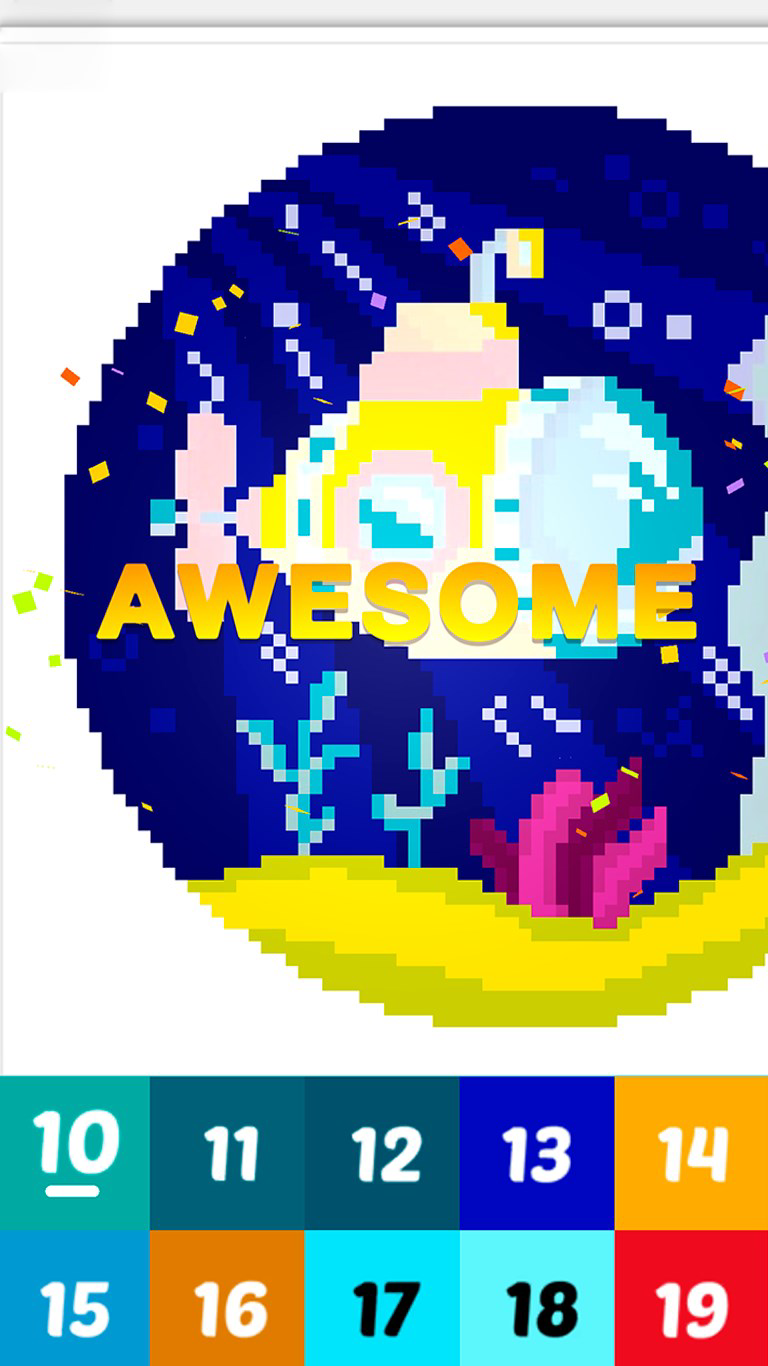
- Vibrant Color Palettes: A wide selection of colors is available, allowing for experimentation with hues, gradients, and combinations. This feature enhances personal expression and keeps the coloring experience dynamic and visually engaging.
For example, a user might start a daily challenge by coloring a pixel fox using only warm tones, then save it to return later. Another might use the app during a commute to create a simple landscape, enjoying the tactile-like feedback of each tap. These real-world applications highlight how the app integrates into daily life as both a hobby and a mental wellness practice.
Interface, UX & Performance
The user interface of PixelArt Saga is clean and minimalist, designed to prioritize the artwork over any intrusive elements. The main screen displays a grid-based canvas with clearly labeled tools, such as color selection and undo functions, arranged in an intuitive layout. Navigation is straightforward—users can browse through categories, select a design, and begin coloring with minimal steps. The visual style aligns with the app’s calming tone, using soft gradients and rounded buttons to enhance accessibility.
Although the developer did not list formal performance metrics, the app appears optimized for smooth interaction across a range of Android devices. The tap response is immediate, and color fills are rendered without lag. Stability is maintained during extended sessions, with no reported crashes or freezes in the provided data. The app handles larger designs efficiently, suggesting effective memory management. Responsiveness is consistent across different screen sizes, though compatibility with older Android versions was not specified. Overall, the user experience is fluid and distraction-free, supporting sustained creative engagement.
Platform Compatibility & Technical Requirements
PixelArt Saga is available exclusively on the Android platform. The current version is 2.1.4, with a file size of 148 MB. This indicates a compact download that fits comfortably on most modern smartphones, even with limited storage. The app is offered at no cost, making it accessible to a broad audience. However, the developer did not specify minimum OS requirements, nor did they list exact hardware specifications such as RAM or processor type. Compatibility information was not fully disclosed, so users should ensure their device meets standard Android app requirements. The absence of iOS availability means the app is not accessible to iPhone or iPad users at this time.
Pros and Cons
- Free to download and use with no in-app purchase pressure
- Simple, intuitive interface suitable for all ages
- Engaging daily challenges encourage regular use
- Progress is saved automatically, enabling flexible usage
- Wide variety of pixel art designs for sustained interest
- No information provided about iOS compatibility
- Specific performance requirements were not listed
- Color palette customization options are not detailed
- Offline functionality was not confirmed
- Developer background remains limited
FAQ
Is PixelArt Saga safe to download?
Yes, the app is available through official Android channels and is free from known malware. As with any app, users should ensure they download from trusted sources.
Can I play PixelArt Saga offline?
While the developer did not confirm offline functionality, the app’s design suggests it may support offline use. However, this has not been officially verified.
Are there ads in PixelArt Saga?
The app is free to download, but specific details about in-app advertising were not disclosed by the developer.
How often are new designs added?
New pixel art designs are introduced regularly, particularly through the daily challenge system, ensuring fresh content for returning users.
Is PixelArt Saga suitable for children?
Yes, the app’s simple mechanics and age-appropriate designs make it suitable for children. Parents may want to supervise initial use to ensure a positive experience.
Final Thoughts
PixelArt Saga delivers a refreshing take on mobile gaming by prioritizing creativity and calm over competition and speed. Its blend of accessible design, daily engagement tools, and visually appealing pixel art makes it a standout choice for users seeking a meaningful, low-pressure creative outlet. Whether used by children to develop color recognition or by adults to de-stress, the app offers genuine value through its focus on personal expression and mindfulness. With no cost to access and a lightweight footprint, it’s a practical addition to any smartphone. For those looking to explore digital art in a relaxed, rewarding way, PixelArt Saga is more than just a game—it’s a tool for joy and self-expression.
Download PixelArt Saga now
Guides & Tutorials
How to install PixelArt Saga
- Click the Download button above.
- Once redirected, accept the terms and click Install.
- Wait for the PixelArt Saga download to finish on your device.
How to use PixelArt Saga
This software is primarily used for its core features described above. Open the app after installation to explore its capabilities.
User Reviews
No reviews yet. Be the first to share your experience.
You may also like
more
Que no te pillen¡
About !Que no te pillen¡Reviewed by Jason A. BilbreyShow MoreShow Less

3D Combat Zone
About 3D Combat ZoneOriginally released in 1983, 3D Combat Zone immerses players...

666: El día del portal
About 666: El día del portalOn June 6, 2006, Agent P. Stone uncovers a sinister...

80 in 1 Best Flash games
About 80 in 1 Best Flash games 80 in 1 Best Flash games is a collection of 80 fl...

ABYSS SEEKERーーWhat Do You See Deep in The Abyss
About ABYSS SEEKERーーWhat Do You See Deep in The AbyssIn ABYSS SEEKER, players...

ACA NEOGEO THE KING OF FIGHTERS 2002 for Windows
About ACA NEOGEO THE KING OF FIGHTERS 2002 for WindowsTHE KING OF FIGHTERS 2002,...